

Google and Microsoft have killed basic-auth SMTP.
Your scanner hasn’t caught up.
Modern auth for scan-to-email, without replacing your scanner.
Google Workspace and Microsoft 365 have deprecated legacy basic authentication for SMTP. Every scanner, copier and MFD that only supports old-style username/password SMTP has stopped — or will soon stop — being able to scan to email, regardless of how well the hardware still works.
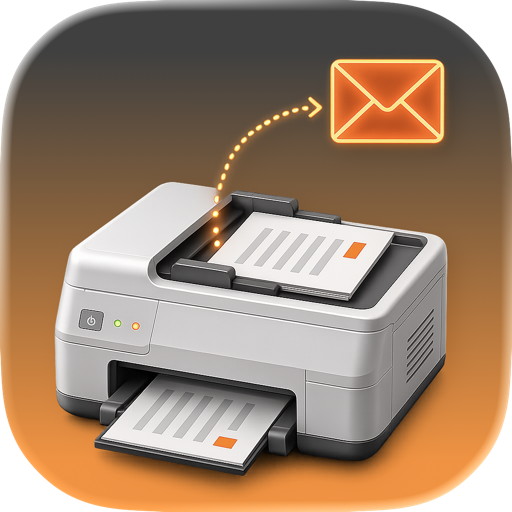
ScanTransit is a lightweight relay that runs on a Mac already on your network. It accepts the legacy basic-auth SMTP connection from the device exactly as it always has, then re-sends the message using proper OAuth 2.0 authentication against Google Workspace or Microsoft 365. The device never knows anything changed. No firmware update, no replacement hardware, no compromise on security to keep old equipment alive.
Built by Automatica, a Melbourne-based MSP — we built this because we needed it for our own clients' MFDs first.
$145 AUD ($159.50 inc. GST) · $99 USD · €90 EUR — one-time purchase, per host
macOS today (Ventura 13.0+) · Windows planned
14-day free trial, full functionality, no credit card required
Features
- Accepts legacy basic-auth SMTP from any scanner, copier or MFD — no vendor-specific configuration
- Relays outbound mail via OAuth 2.0 to Google Workspace or Microsoft 365
- Runs entirely on your own network — no third-party mail relay, no external service ever touches your mail
- Supports plain SMTP, STARTTLS and implicit TLS, to match whatever your device is capable of
- One relay covers every legacy device on the LAN — no per-device licensing, no connection limits
Pricing
- One-time purchase, per host — not a subscription
- 14-day free trial, full functionality, no credit card required
- Optional annual maintenance covers ongoing compatibility as Google and Microsoft change their authentication requirements — this isn't hypothetical, it's already happened once and it will happen again
Setup, in short
- Install ScanTransit on a Mac that stays on your network, and approve the one-time background service prompt.
- Sign in with the Google Workspace or Microsoft 365 mailbox you want scans sent from.
- Set a device username and password in Settings, then point your scanner or copier's SMTP settings at the Mac.
- Send a test email from the ScanTransit app to confirm delivery before you walk back to the device.
Security, at a glance
- Runs entirely on your own network — Automatica never proxies, intercepts, or has visibility into your mail
- Devices authenticate with a dedicated username and password, stored bcrypt-hashed, never in plaintext
- Mailbox access uses OAuth — no mailbox password is ever stored or transmitted by ScanTransit
- Not an open relay — outbound mail can only be sent as the single mailbox you've authenticated
- Signed and notarised by Apple
Questions before you buy?
We're happy to talk through your fleet of devices before you commit to anything.