

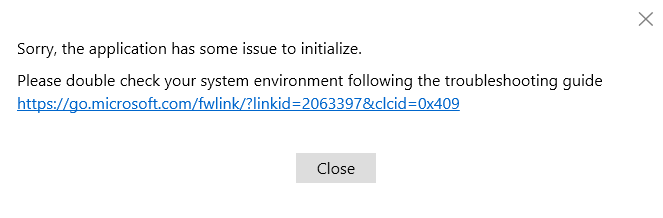
Microsoft used to support running the SharePoint Migration Tool (SPMT) on Windows Server 2012, however if you try to download the latest version from Microsoft, it will install, but then fail to initialise, and display an error message:
Sorry, the application has some issue to initialize.
Please double check your system environment following the troubleshooting guide
If you have another machine that you’ve previously run the SPMT on, you may be able to grab a copy of the older app from %localappdata%\Apps\SharePointMigrationTool and then say not to it updating when it asks.
If this isn’t an option, you can log in to your SharePoint admin centre from the Server 2012 machine and go to
https://tenancyname-admin.sharepoint.com/_layouts/15/online/AdminHome.aspx#/migration/fileshare
On this page is a button to download the agent.
In my testing, as of July 2026, this agent still initialises correctly on Server 2012 and connects to SharePoint online.
Comments